
What Happens When WordPress Updates, Backups, and Security Get Ignored
Most WordPress problems do not start with a dramatic crash.
They start quietly.
A plugin update gets skipped. A backup stops running. A form stops sending email. A security warning goes unnoticed. The site still loads, so nobody thinks much about it.
Then one day something breaks, and suddenly the website becomes urgent. That is the problem with ignoring WordPress maintenance. The damage is often invisible until it becomes expensive.
Outdated Plugins Can Become a Problem
WordPress websites depend on plugins. Plugins handle forms, galleries, SEO, security, performance, e-commerce, calendars, popups, and all kinds of other features.
When plugins are not updated, they can become unreliable or unsafe.
Sometimes an outdated plugin simply stops working correctly. Other times, it can create a security weakness. In some cases, an abandoned plugin may no longer be compatible with the current version of WordPress.
That does not mean updates should be done blindly. Updates need to be handled with care. But ignoring them completely is not a plan.
Missing Backups Make Everything Worse
A backup is not exciting until you need one.
If your site breaks, gets hacked, or loses content, a good backup can be the difference between a quick recovery and a long, expensive mess.
The problem is that many business owners do not actually know whether their site is being backed up.
They assume the host has it covered. They assume an old plugin is still working. They assume the last web person set something up.
But when something goes wrong, assumptions do not restore websites.
A WordPress maintenance plan should include reliable backups and a clear path to recovery.
Security Problems Are Often Automated
Most small business websites are not personally targeted by a person sitting at a keyboard.
They are scanned by automated bots looking for easy openings.
Old plugins, weak passwords, outdated themes, abandoned forms, and neglected WordPress installs can all become targets.
A hacked website can lead to spam pages, strange redirects, browser warnings, blacklisting, broken search visibility, or visitors losing trust.
Security does not have to be complicated, but it does need regular attention.
Broken Forms Can Cost Real Leads
One of the most common website problems is also one of the easiest to miss: a contact form stops working.
The page still looks fine. The form still appears. A visitor can still fill it out.
But the message never arrives.
That can mean lost leads, missed appointments, and frustrated potential customers who assume you never responded.
This is why monitoring and regular checks matter. A working-looking site is not always a working site.
Emergency Repairs Cost More
When a site has been neglected for a long time, fixing it usually takes more work.
Updates may be stacked up. Plugins may be outdated. Backups may be missing. Hosting may be part of the problem. Nobody may know where the logins are.
At that point, the job is no longer simple maintenance. It becomes a rescue.
And rescue work almost always costs more than ongoing care.
A Broken Website Costs More Than a Maintenance Plan
That is the plain truth.
Ongoing WordPress care is not about adding another expense just for the sake of it. It is about preventing avoidable problems and making sure there is a plan if something does go wrong.
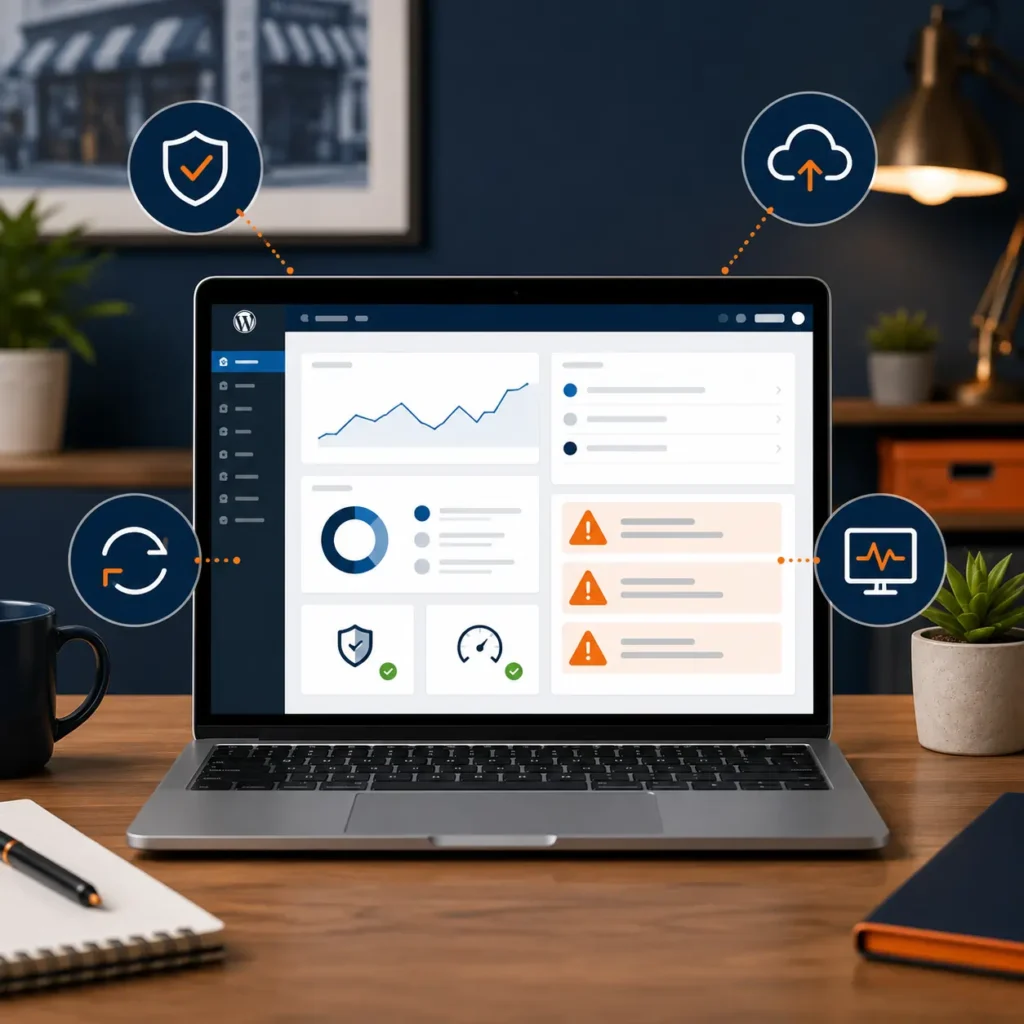
Webguy.tech Complete Care is a local WordPress maintenance plan that helps keep your site updated, backed up, secure, monitored, hosted, supported, and recoverable. No guessing. No disappearing web person. No wondering if your site is protected.
Schedule a Quick WordPress Site Check
Not sure if your site is updated, backed up, secure, and recoverable?
Schedule a quick WordPress site check. I’ll take a look at the basics and let you know where things stand.
Schedule a quick site check:
https://webguy.tech/site-check/