
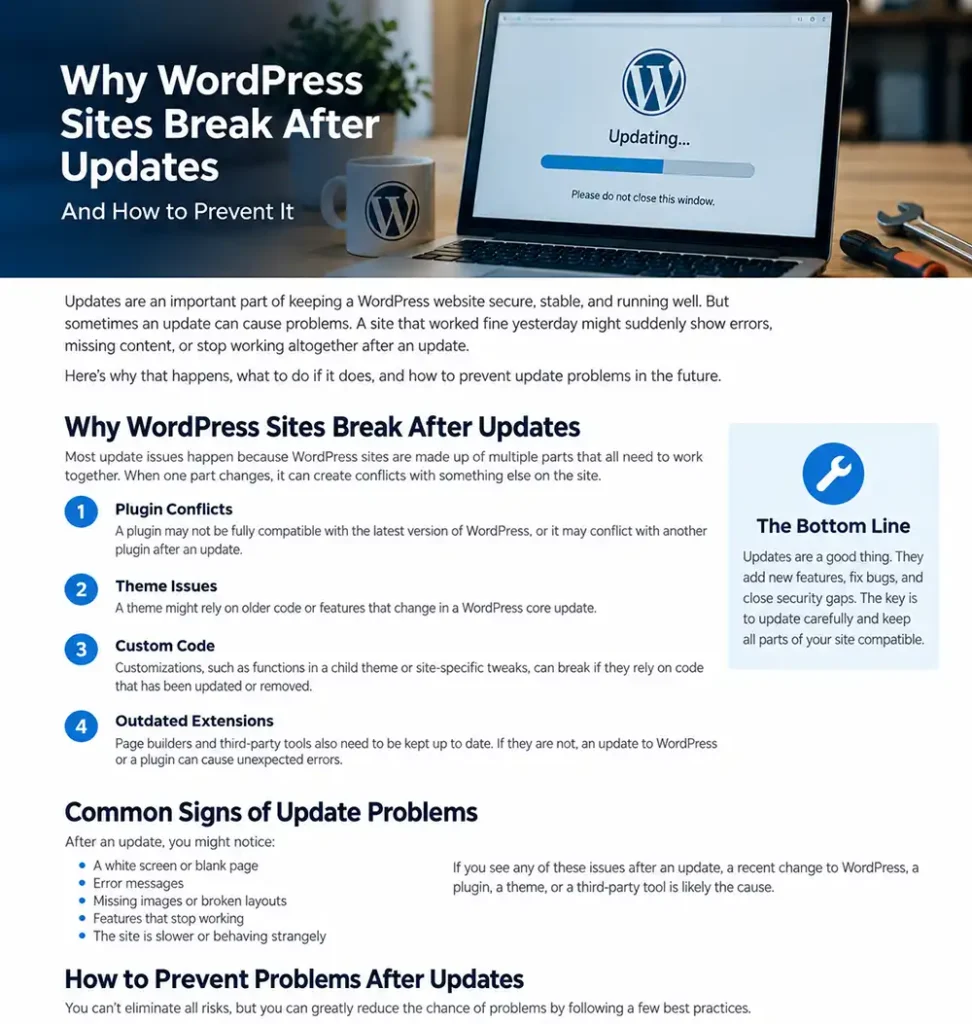
WordPress updates are supposed to improve security, fix bugs, and keep your website running properly.
Most of the time, they do.
But sometimes an update causes a page to break, a plugin to stop working, a form to fail, or the dreaded “critical error” message to appear.
That does not mean updates are bad. It means WordPress websites are made up of several moving parts, and those parts do not always change at the same time.
Why WordPress Updates Can Cause Problems
A typical WordPress website may include WordPress core, a theme, a page builder, dozens of plugins, hosting software, PHP, and outside services.
Each one is developed separately.
When one piece changes, another piece may not be ready for it.
Plugin Conflicts
Plugins are one of the most common causes of update problems.
A plugin may work perfectly with the current version of WordPress, then develop a conflict after WordPress core, another plugin, or PHP is updated.
Sometimes the conflict is obvious. Other times it affects only one small part of the website.
Theme and Page Builder Conflicts
Themes and page builders also rely on WordPress and other software.
An update can expose outdated code, compatibility problems, or customizations that were built around an older version.
That can cause layout problems, broken widgets, missing styles, or errors in the WordPress dashboard.
PHP Version Changes
WordPress runs on PHP.
As PHP versions change, older plugins and themes may stop working correctly.
A site can appear perfectly normal for years and suddenly develop problems after the hosting company updates PHP.
That is one reason I look at the entire environment when diagnosing an update problem instead of assuming WordPress itself is broken.
Updates Done in the Wrong Order
Sometimes the order matters.
Updating WordPress core, a page builder, its add-ons, a theme, and several plugins all at once makes it much harder to identify what caused a problem.
If something breaks, you may not know which update was responsible.
Old or Abandoned Software
Plugins and themes that are no longer maintained become increasingly risky.
They may work today, but eventually WordPress, PHP, or another dependency moves on without them.
At that point, even a routine update can expose a serious compatibility problem.
What I Do Before Updating a WordPress Site
The most important thing is having a way back.
Before making significant updates, I want a current backup of both the website files and the database.
That backup should be stored somewhere other than the live website server whenever possible.
I also want to know whether the site has any unusual dependencies, custom code, old plugins, or past compatibility problems.
For important business websites, blindly clicking “Update All” is not a maintenance strategy.
What I Check When an Update Breaks a Site
When a website breaks after an update, the first question is:
What changed?
Was WordPress core updated?
Was a plugin updated?
Did the theme change?
Did PHP change?
Did the hosting company make a server change?
Did several things update at once?
From there, I narrow the problem down.
I may temporarily disable a plugin, check error logs, compare versions, test the theme, restore a backup, or isolate the affected feature.
The goal is not just to get the site back online.
The goal is to understand why it broke so the same problem does not keep happening.
Should You Turn On Automatic Updates?
Automatic updates can be useful, especially for security fixes.
But they are not appropriate for every website.
A simple brochure site may tolerate automatic updates well.
A WooCommerce store, membership site, booking system, heavily customized site, or website with critical integrations deserves more care.
The more important the website is to the business, the more important it becomes to know that updates are being monitored and that recovery is possible if something goes wrong.
Backups Are What Make Updates Safer
Updates and backups belong together.
A reliable backup gives you options.
If an update causes a serious problem, you can restore the site instead of trying to repair a broken production website under pressure.
That is why regular backups are one of the most important parts of WordPress maintenance.
Maintenance Is More Than Clicking Update
Good WordPress maintenance is not just keeping software current.
It also means watching for compatibility problems, checking backups, monitoring security, keeping an eye on performance, and making sure the website is still functioning after changes.
A site can be fully “updated” and still have broken forms, failed backups, security issues, or performance problems.
The goal is not simply to keep the update screen empty.
The goal is to keep the website working.
When Should You Get Help With WordPress Updates?
It may be time to get help if:
Your site breaks after updates.
You are afraid to update WordPress because something usually goes wrong.
You have plugins or themes that have not been updated in a long time.
Your hosting company has changed PHP versions.
You run WooCommerce, bookings, memberships, or other business-critical features.
You do not know whether your backups actually work.
Or you simply do not want to be responsible for maintaining WordPress yourself.
Need Help Keeping WordPress Updated and Working?
At Web Guy, I maintain WordPress websites for businesses throughout Asheville, Western North Carolina, Upstate South Carolina, and beyond.
My Complete Care maintenance plan is designed to keep WordPress updated, backed up, monitored, and supported so problems can be handled before they become emergencies.
If you would rather spend your time running your business than worrying about WordPress updates, get in touch and I’ll take care of it.