
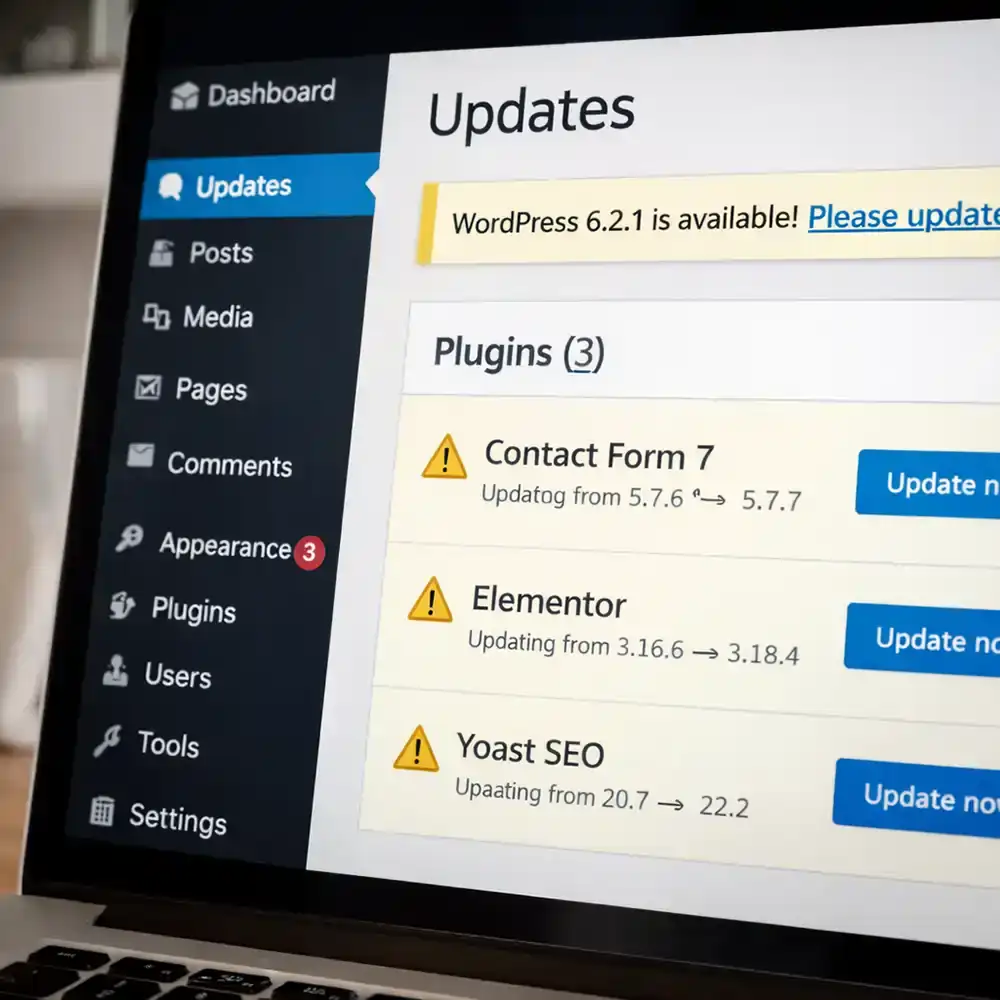
Updates Are More Important Than Most People Realize
If you manage your own WordPress website, you’ve probably seen update notifications appear in the dashboard.
It’s easy to ignore them.
After all, if the website seems to be working, why risk changing anything?
The problem is that WordPress updates exist for a reason.
What WordPress Updates Actually Do
Updates typically include:
• security fixes
• compatibility improvements
• performance enhancements
• bug fixes
Ignoring updates can eventually create vulnerabilities or cause plugins to stop working together properly.
Why Updates Can Also Be Risky
At the same time, updates need to be handled carefully.
Sometimes new plugin versions conflict with existing plugins or themes.
When that happens, a simple update can suddenly break something on the site.
That’s why many professionals perform updates in a controlled way and always make sure backups exist first.
A Safer Approach
Good WordPress maintenance handles updates carefully.
Typical steps include:
• checking compatibility
• performing updates safely
• verifying the site afterward
• restoring backups if needed
When updates are managed properly, most issues can be avoided.
Staying Ahead of Website Problems
Keeping WordPress updated is one of the most important things you can do to protect your website.
But it’s also one of the tasks many business owners simply don’t have time to manage consistently.
Webguy.tech Complete Care manages WordPress updates, backups, and security monitoring so your site stays protected without adding one more task to your day.
Webguy.tech Complete Care manages WordPress updates, backups, and security monitoring so your site stays protected without adding one more task to your day.
By Chris Kaminski